Choose your controls
Use a connected game controller or the on-screen controller on iPhone and iPad. Adjust button mappings and the virtual controller layout in settings.
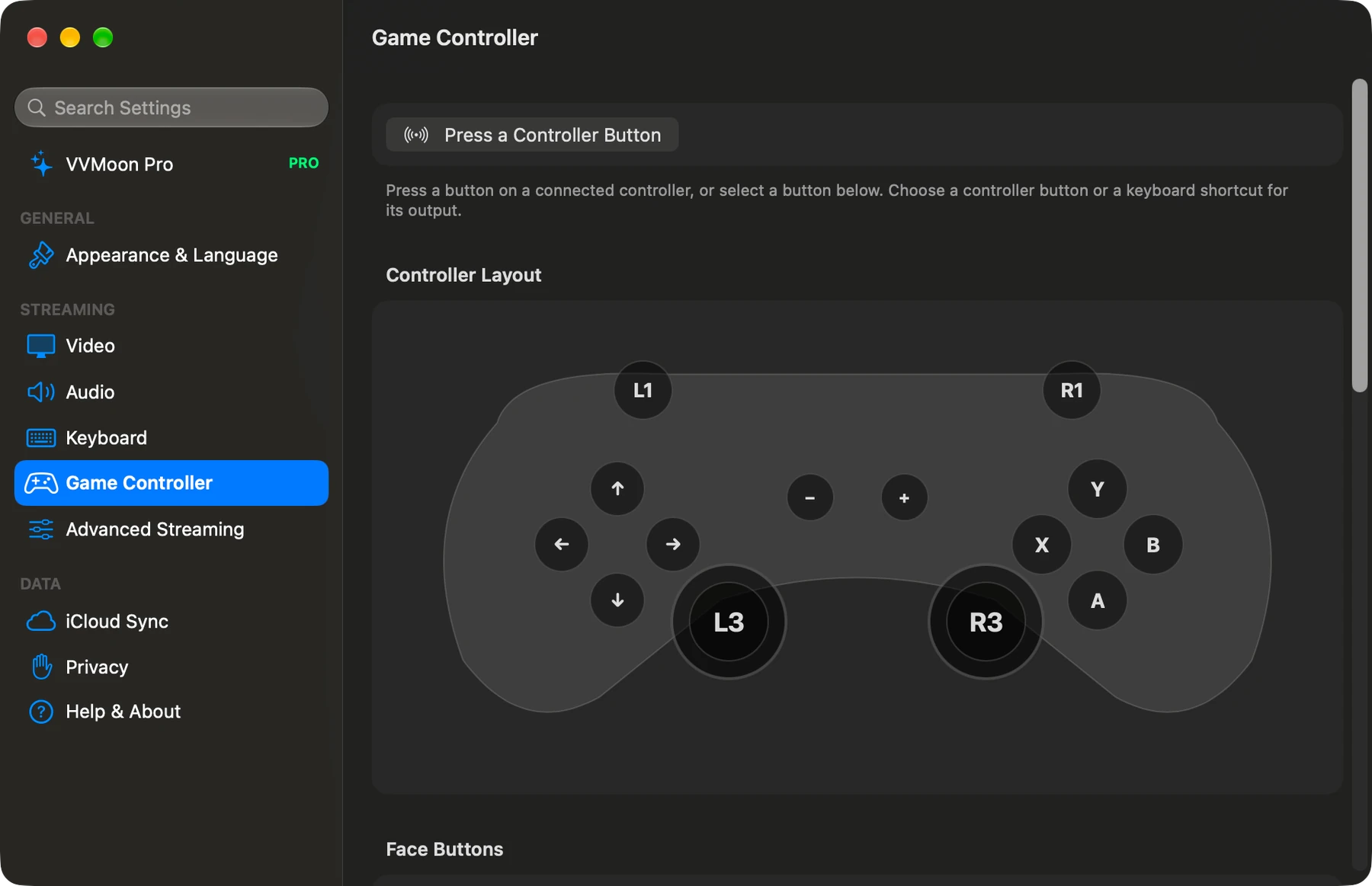
Use a connected game controller or the on-screen controller on iPhone and iPad. Adjust button mappings and the virtual controller layout in settings.
Send touch, keyboard, and pointer input to your host. Open the software keyboard from the stream controls on iPhone and iPad. Save remote keyboard shortcuts for later use.
Use input capture to send relative mouse motion and keyboard shortcuts to the host. Control–Option–Escape releases capture. Changing window focus also releases capture and held inputs.
Connect to your own Sunshine or Apollo host. Start with one host for free.