VVMoon for iPhone
Your games. In your hand.
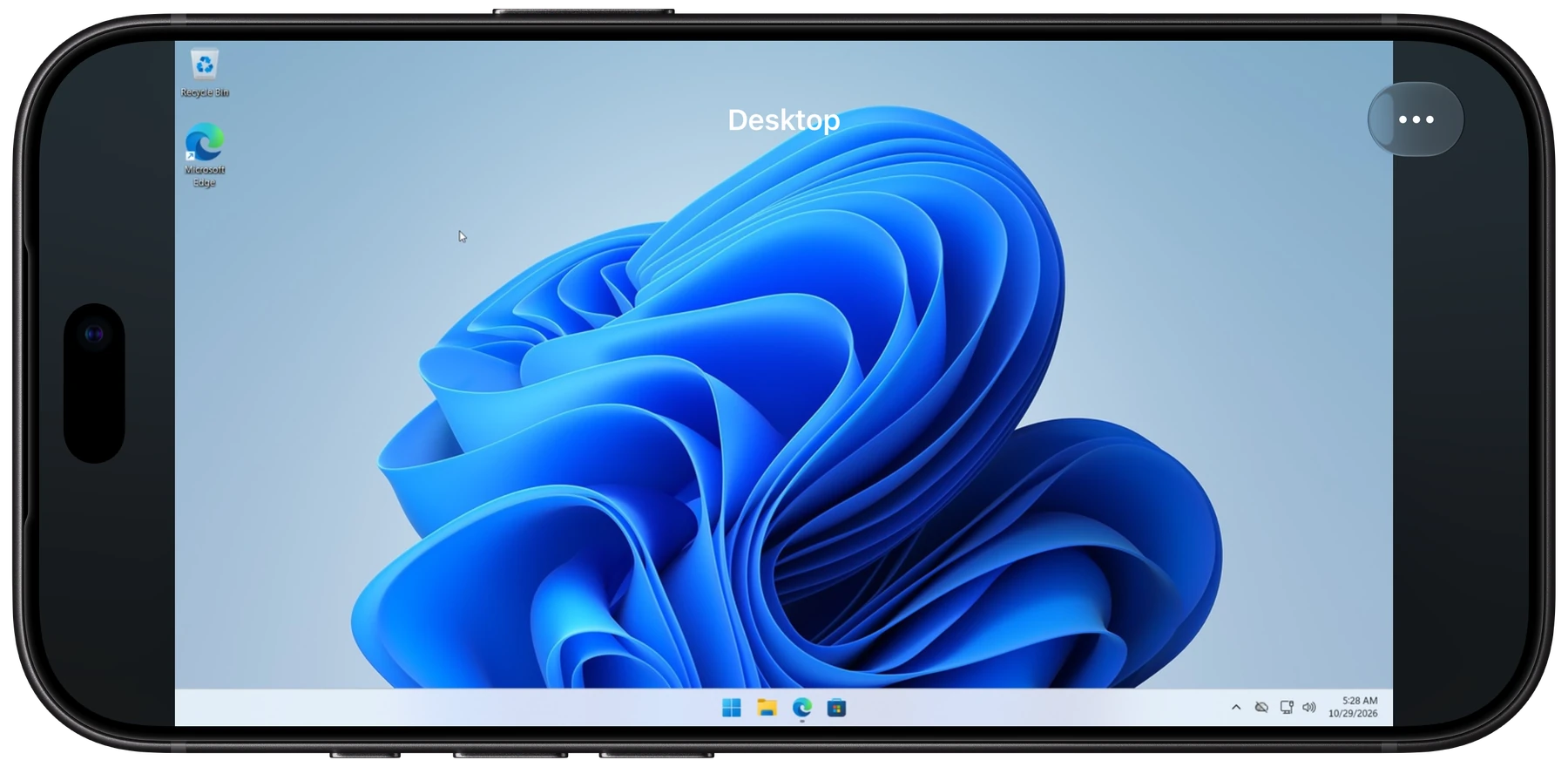
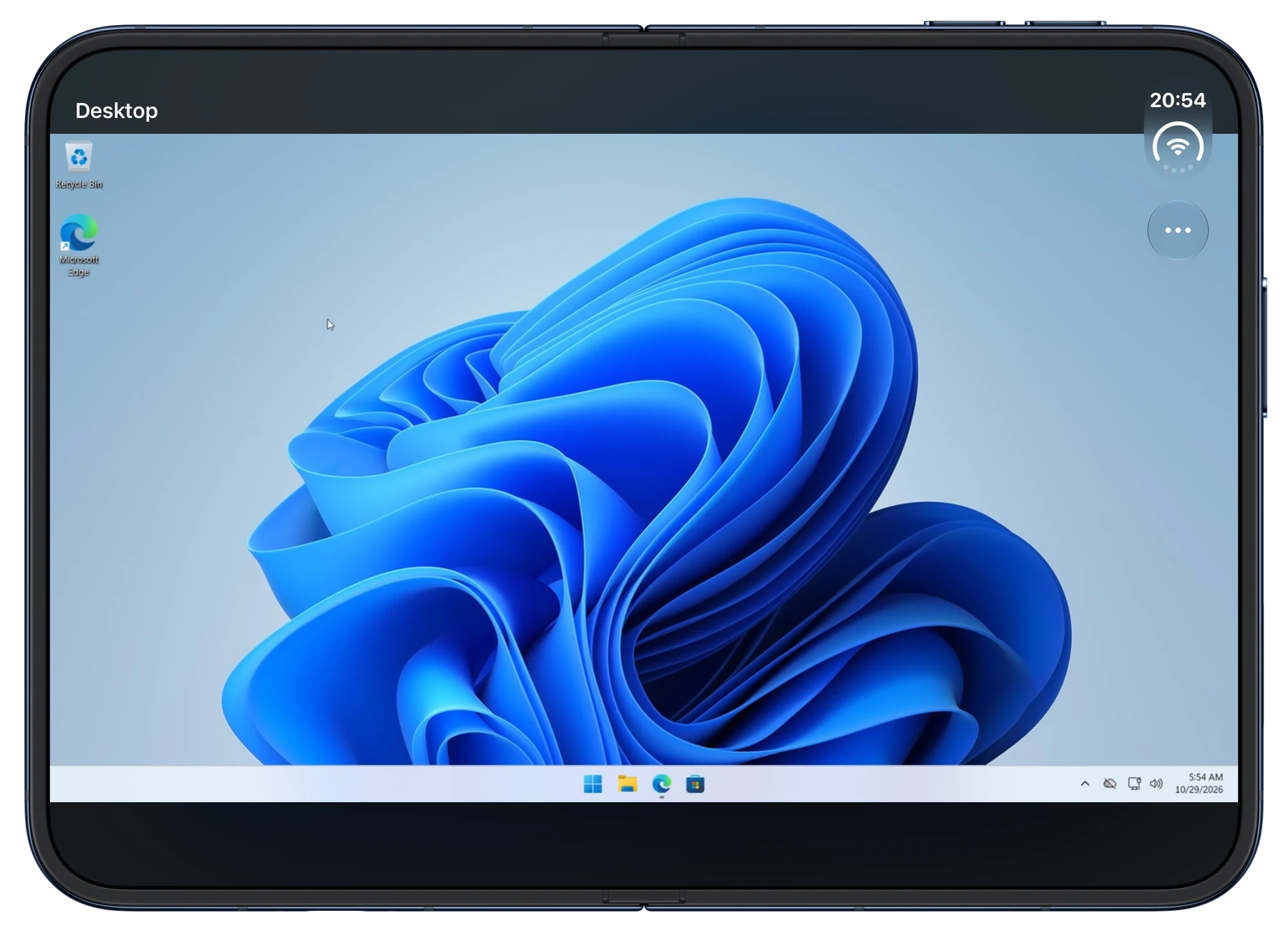
Find your host, open its app library, and start a full-display stream. Use touch controls or a connected game controller.
iOS 17 or later · Your own Sunshine or Apollo host
Native on iPhone
Your host.
Your choice of controls.
Full-display streaming
On-screen or connected controller
Apollo QR pairing on supported devices
Common questions
What is VVMoon?
VVMoon is a native Moonlight client for iPhone, iPad, and Mac. It streams games and the desktop from your own Sunshine or Apollo host.
Do I need my own computer?
Yes. You need a computer with Sunshine or Apollo installed and configured. VVMoon does not include games or a hosted computer. Keep the host awake with an active display or virtual display.
Which Apple devices can I use?
VVMoon needs iOS 17 or later on iPhone, iPadOS 17 or later on iPad, or macOS 14 or later on Mac.
How do I pair a host?
Add your host and select Pair. VVMoon shows a PIN at once. Enter it on the PIN page in Sunshine or Apollo on your computer. Apollo also supports a one-time code, a QR code on supported iPhone and iPad devices, or a pasted pairing link.
What can I use for free?
One host, local streaming, standard video scaling, and the Home workspace are free. Pro adds MetalFX Spatial, unlimited hosts and workspaces, iCloud sync, and concurrent streams on iPhone, iPad, and Mac.
Your games. Your Apple devices.
Connect to your own Sunshine or Apollo host. Start with one host for free.