Set the stream for your network
Choose resolution, frame rate, and bitrate in video settings. Select the video codec, HDR, and audio mode when your host and device support them.
VVMoon
Set resolution, frame rate, and bitrate. Pro adds MetalFX Spatial on supported devices.
Get VVMoon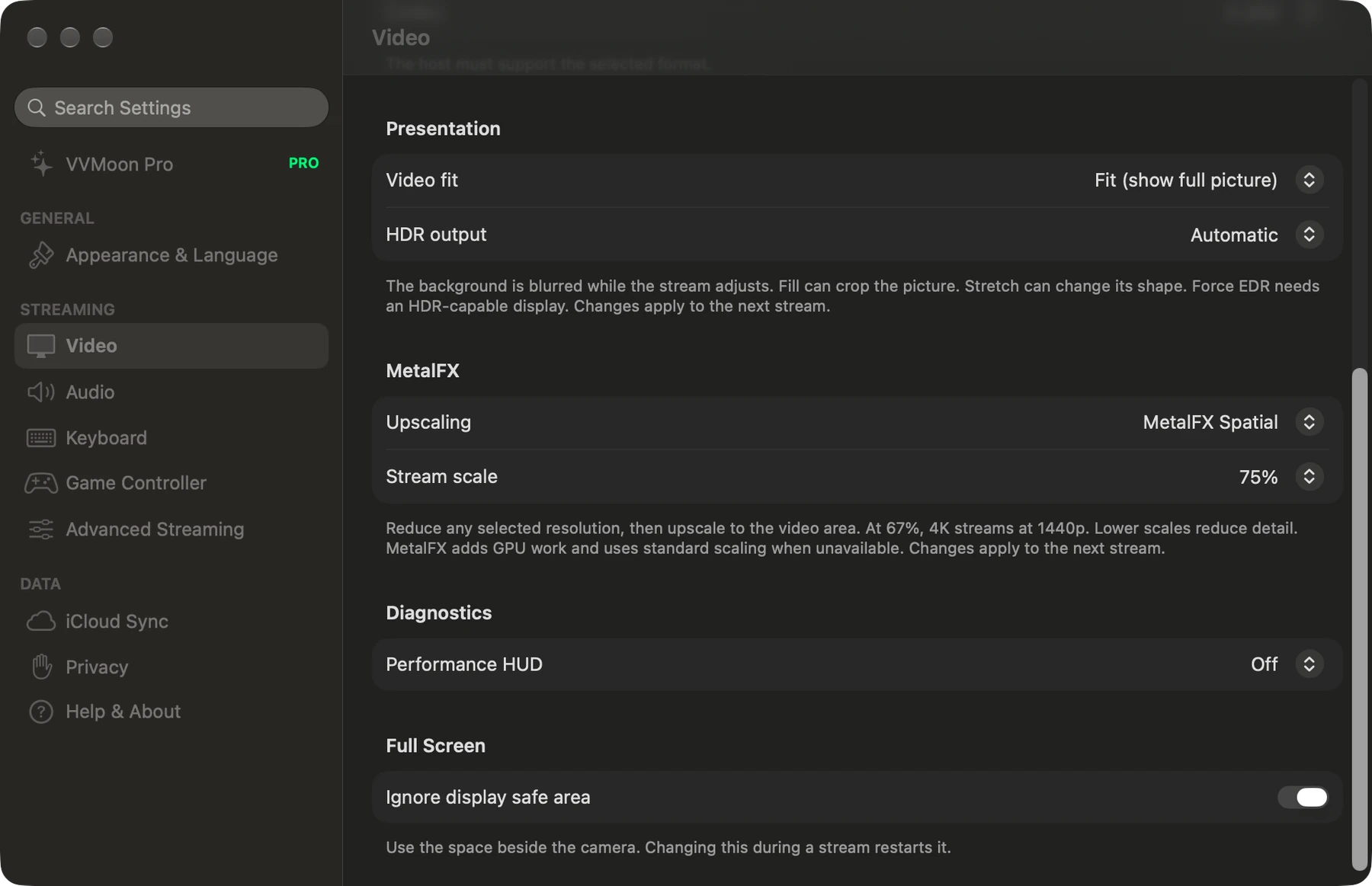
Choose resolution, frame rate, and bitrate in video settings. Select the video codec, HDR, and audio mode when your host and device support them.
Use a lower input resolution and scale the stream to the output size with MetalFX Spatial. This needs a supported Apple device and Pro access. Standard scaling stays available for free.
The performance display shows stream metrics and the active scaling mode. VVMoon uses standard scaling when MetalFX is unavailable. Start a new stream after you change video settings.

Connect to your own Sunshine or Apollo host. Start with one host for free.